 AI Expense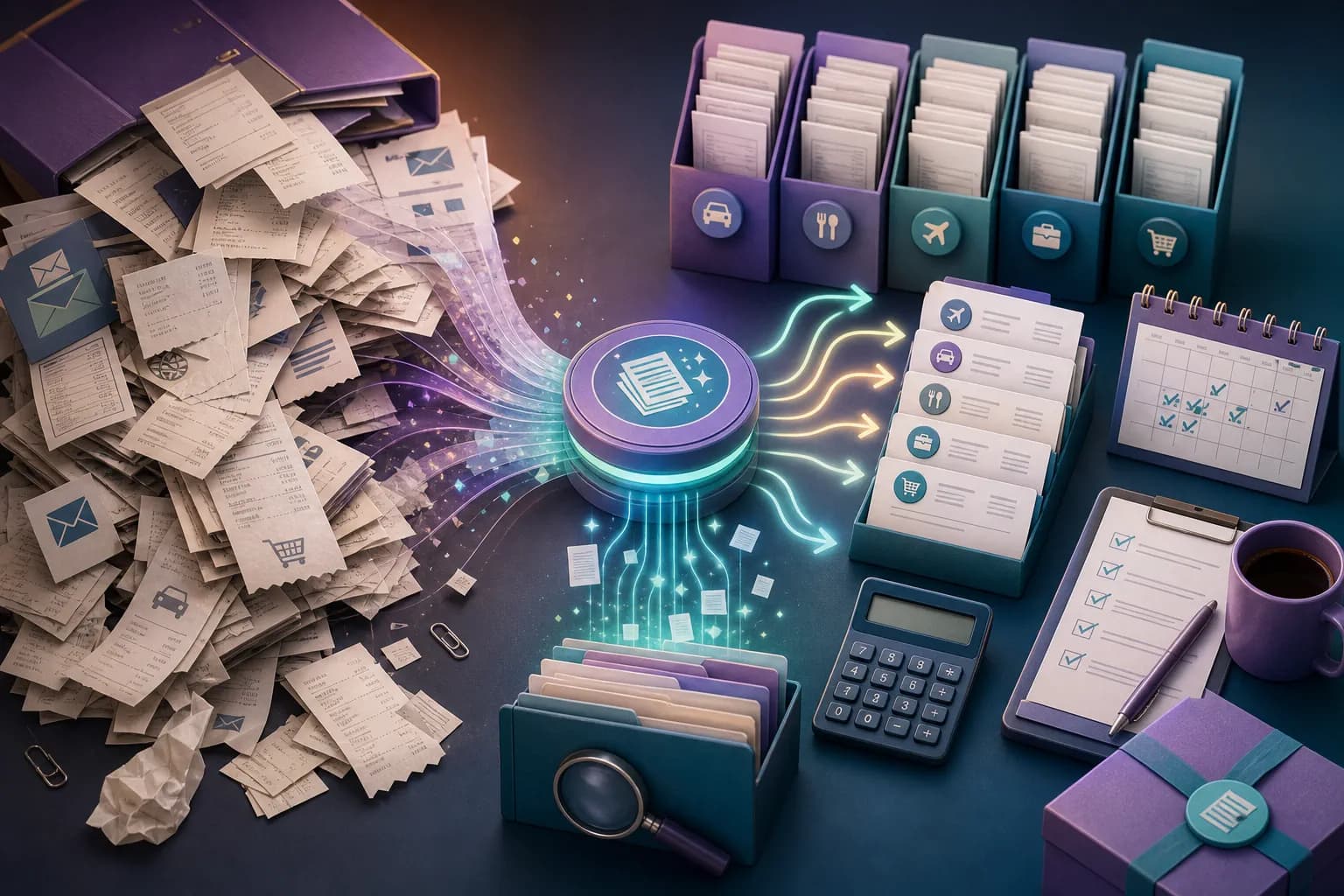
Tax preparation
Run a Year-End Expense Evidence Readiness Audit
Test completeness, traceability and exception ownership before handing the year to a tax professional.
Read scenario guide
Loading...
Explore AI Expense features, product benefits, app comparisons, receipt scanning insights, and better ways to organize invoices from capture to export.
Practical scenario guides
Two new guides are published each day, with distinct workflows, evidence checks and questions for real situations.
Test completeness, traceability and exception ownership before handing the year to a tax professional.
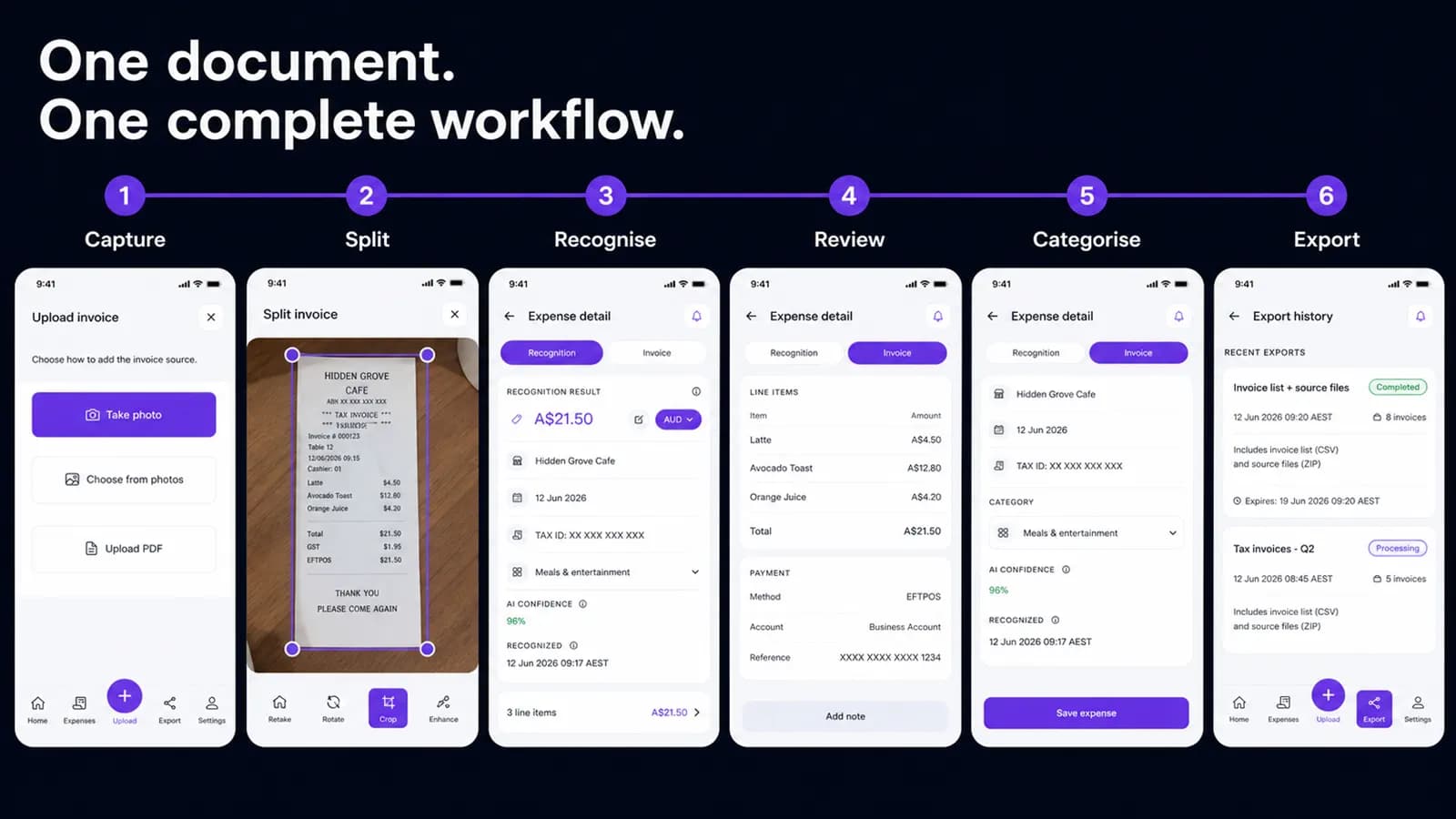
Use phones for timely evidence capture and larger screens for dense invoice comparison without creating separate archives.
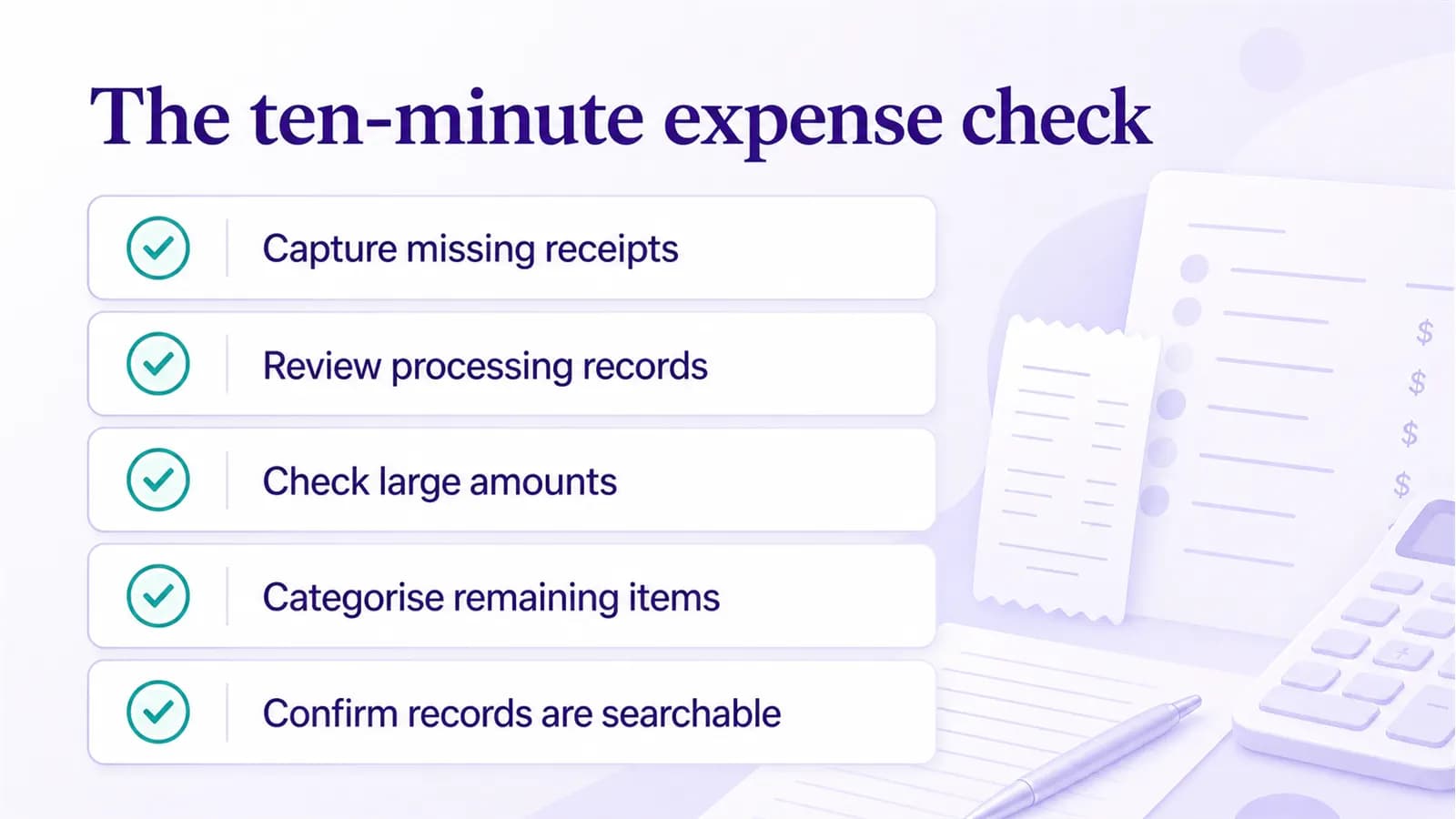
Group reviewed repair records by vehicle, property or equipment while retaining every contractor source.
Review warranties, returns, claims, repairs and significant purchases before another year of documents accumulates.
Hand off reviewed trip records with source files, currencies, categories and unresolved exceptions clearly separated.
Compare document coverage with account activity while keeping the receipt archive and accounting ledger distinct.
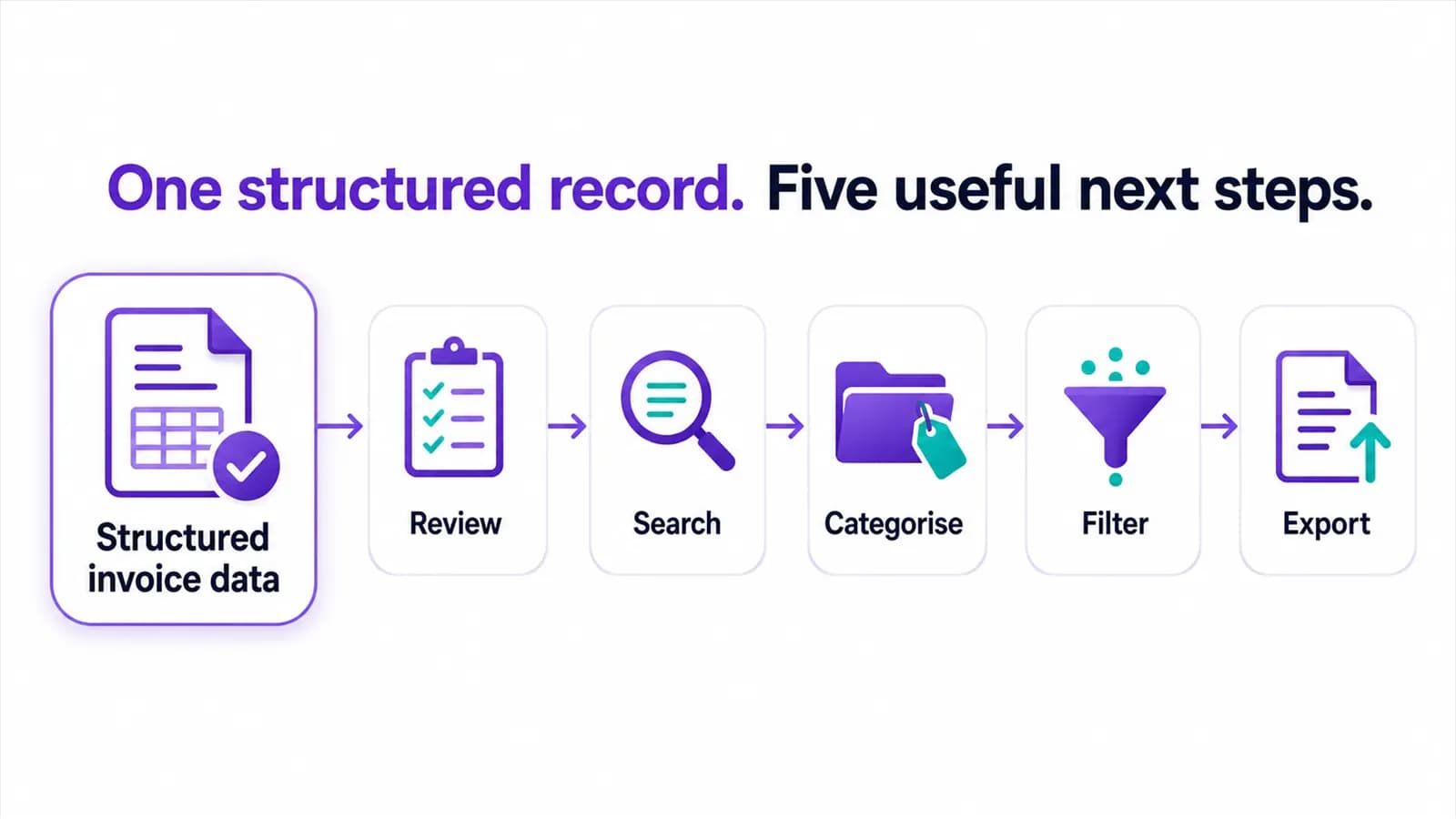
Check record counts, currencies, filenames and source links before sending an expense export to another system.
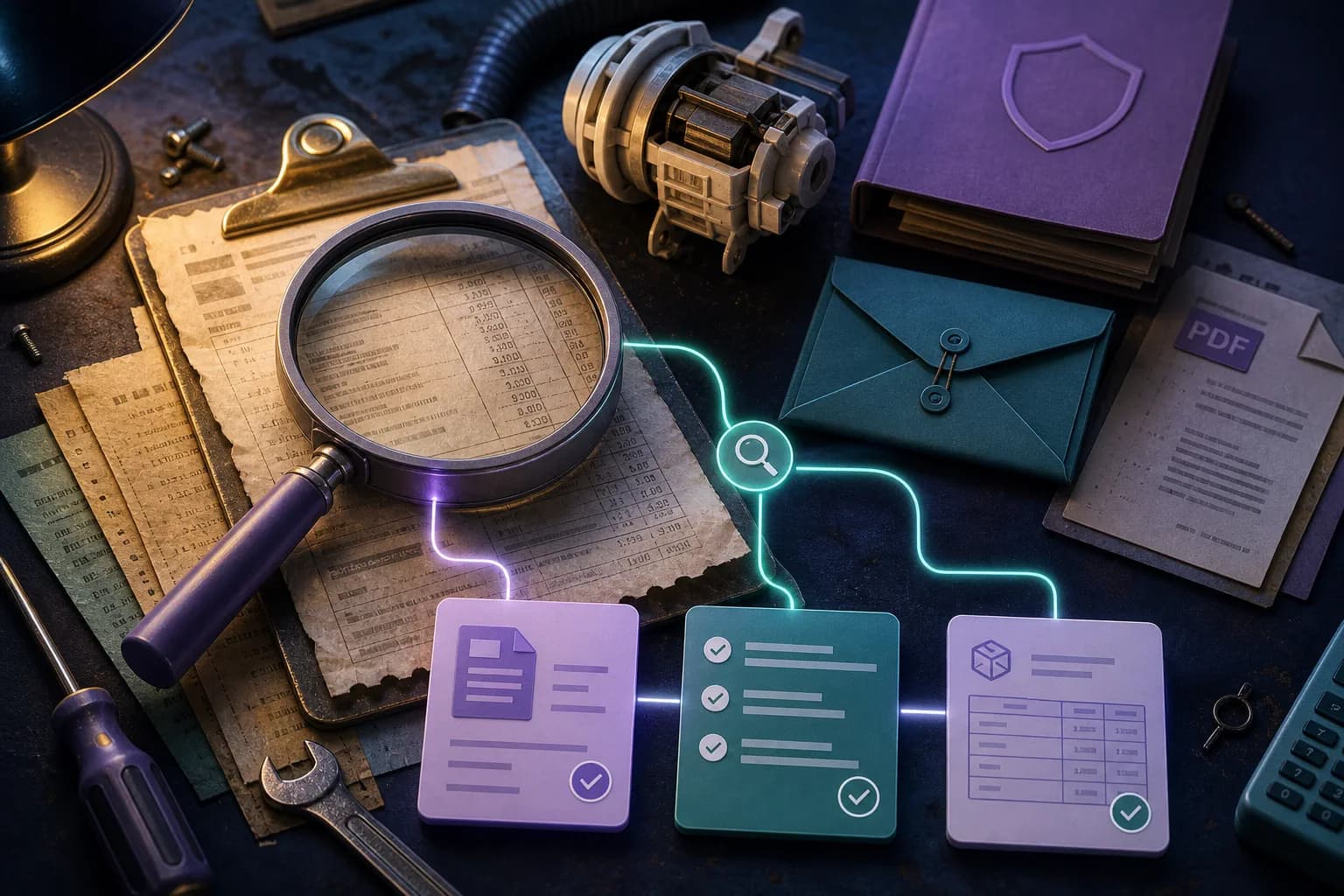
Connect damage-related quotes, repair invoices and payment evidence while excluding unrelated maintenance history.
Preserve mixed receipts while identifying the equipment and supplies that belong to a home-office review.

Use one trip reference and separate submitter context to prevent duplicate or ownerless receipt records.
Treat the spreadsheet as an index to evidence, not as a replacement for receipt images and invoice PDFs.
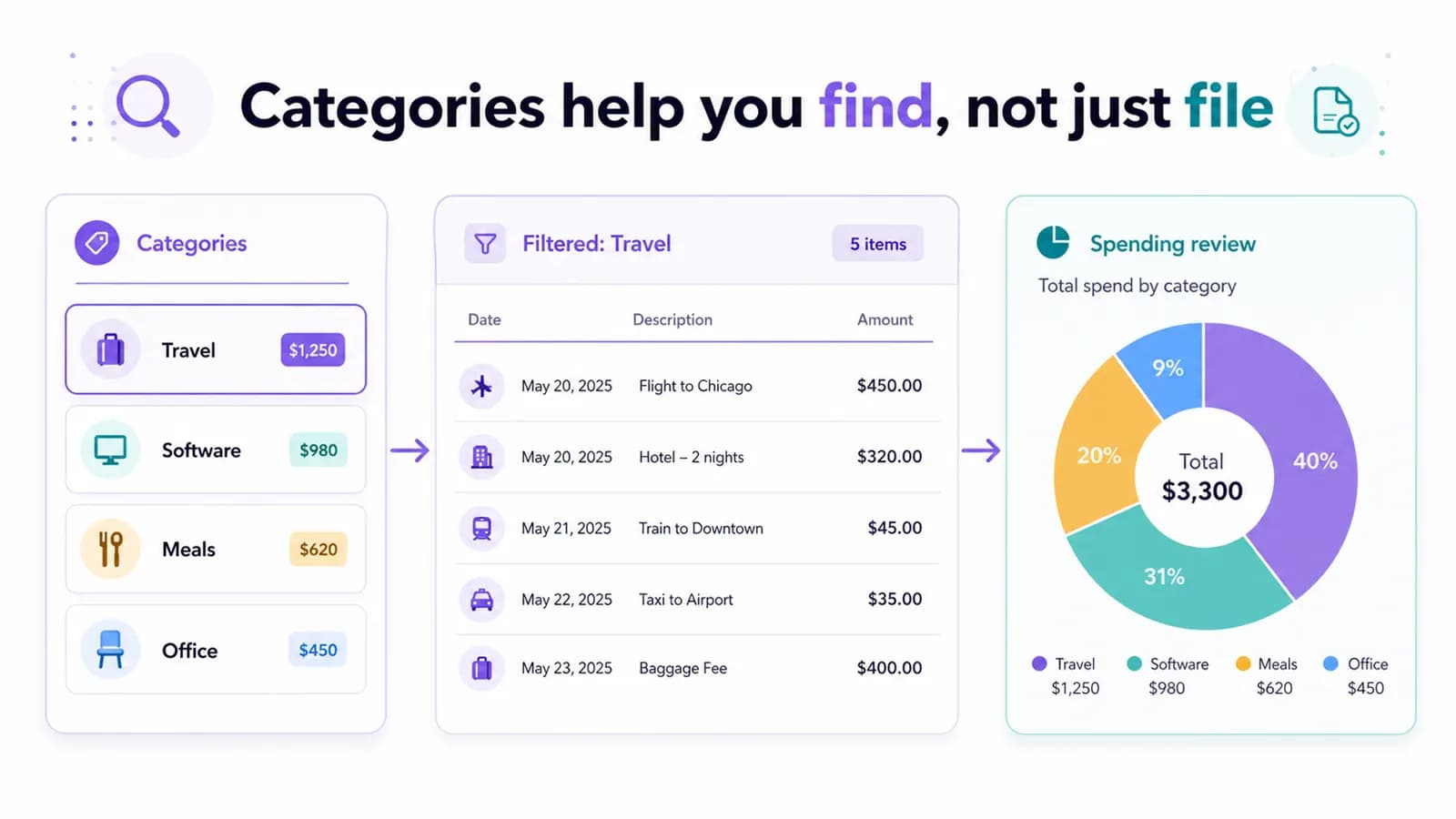
Define a stable operational vocabulary so staff and reviewers use categories consistently across capture and export.
Separate quotes, work orders, invoices and photos so recognition does not combine unrelated document roles.

Select only the provider invoices, pharmacy receipts and payment evidence relevant to one claim.
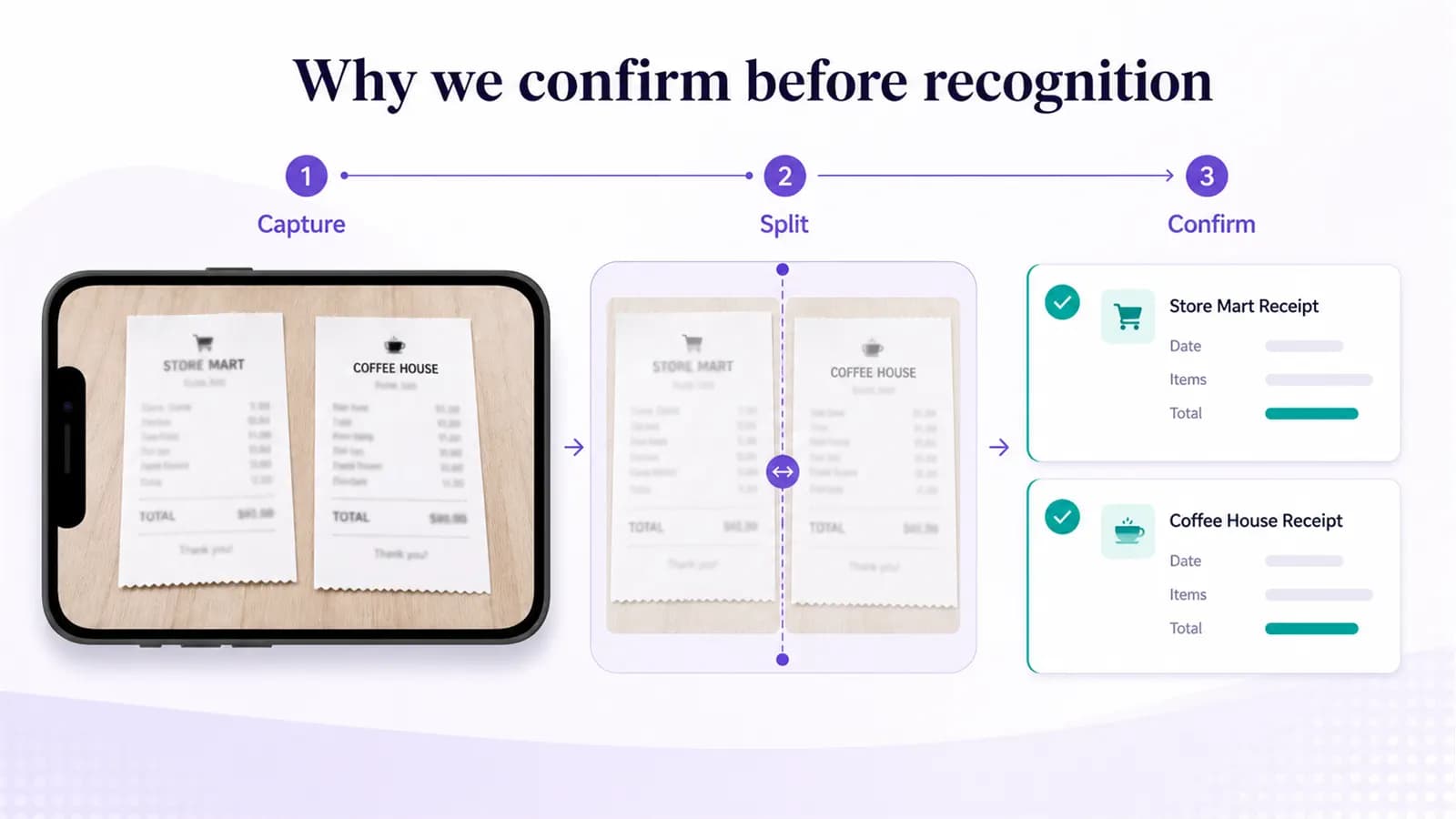
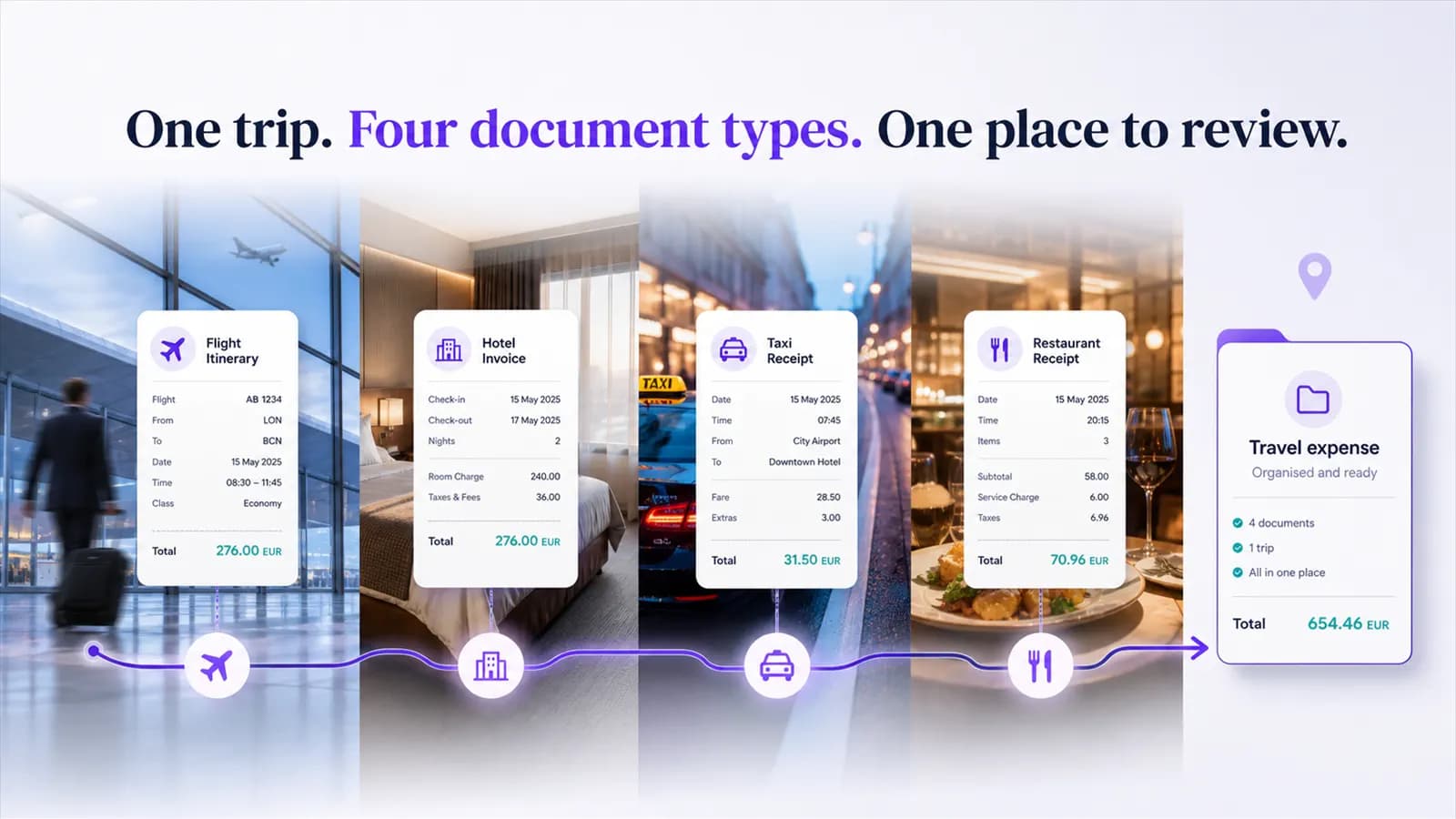
Separate hotel, rail, taxi and meal pages before recognition so each transaction keeps the correct source.
Group unresolved records by decision type so professional review starts with evidence instead of inbox archaeology.
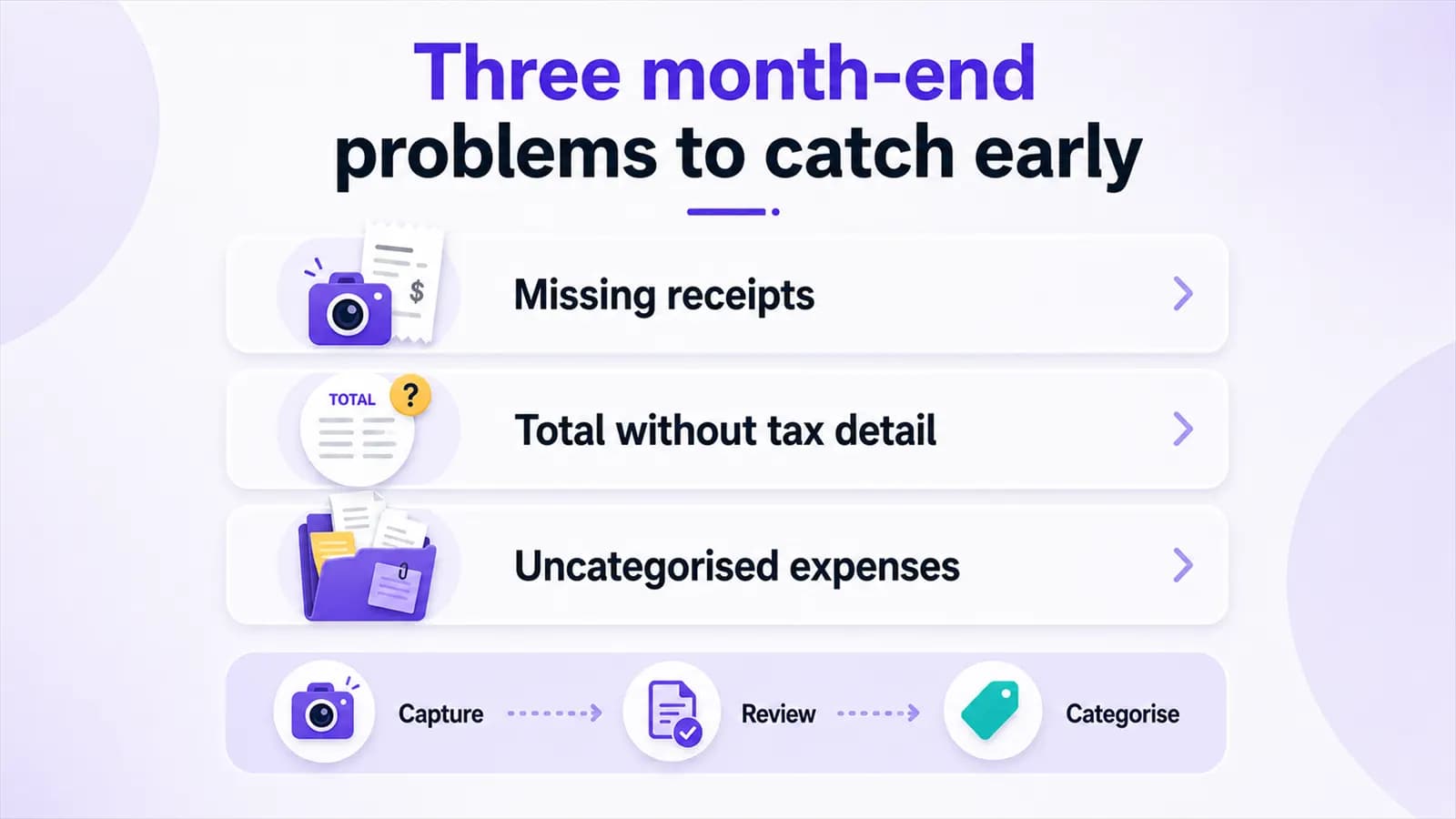
Separate unreadable, duplicate, incomplete and disputed documents so normal records can close cleanly.
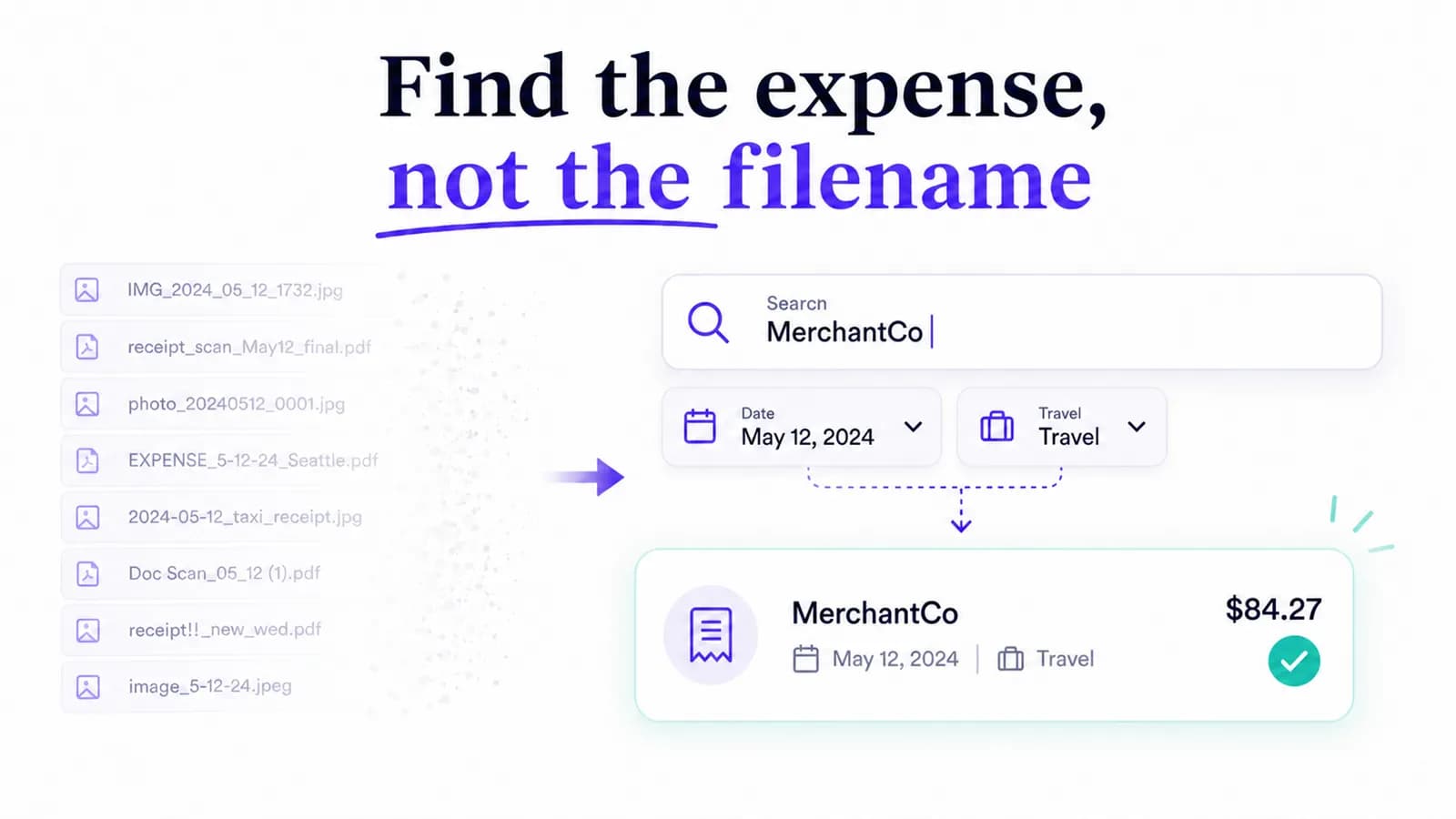
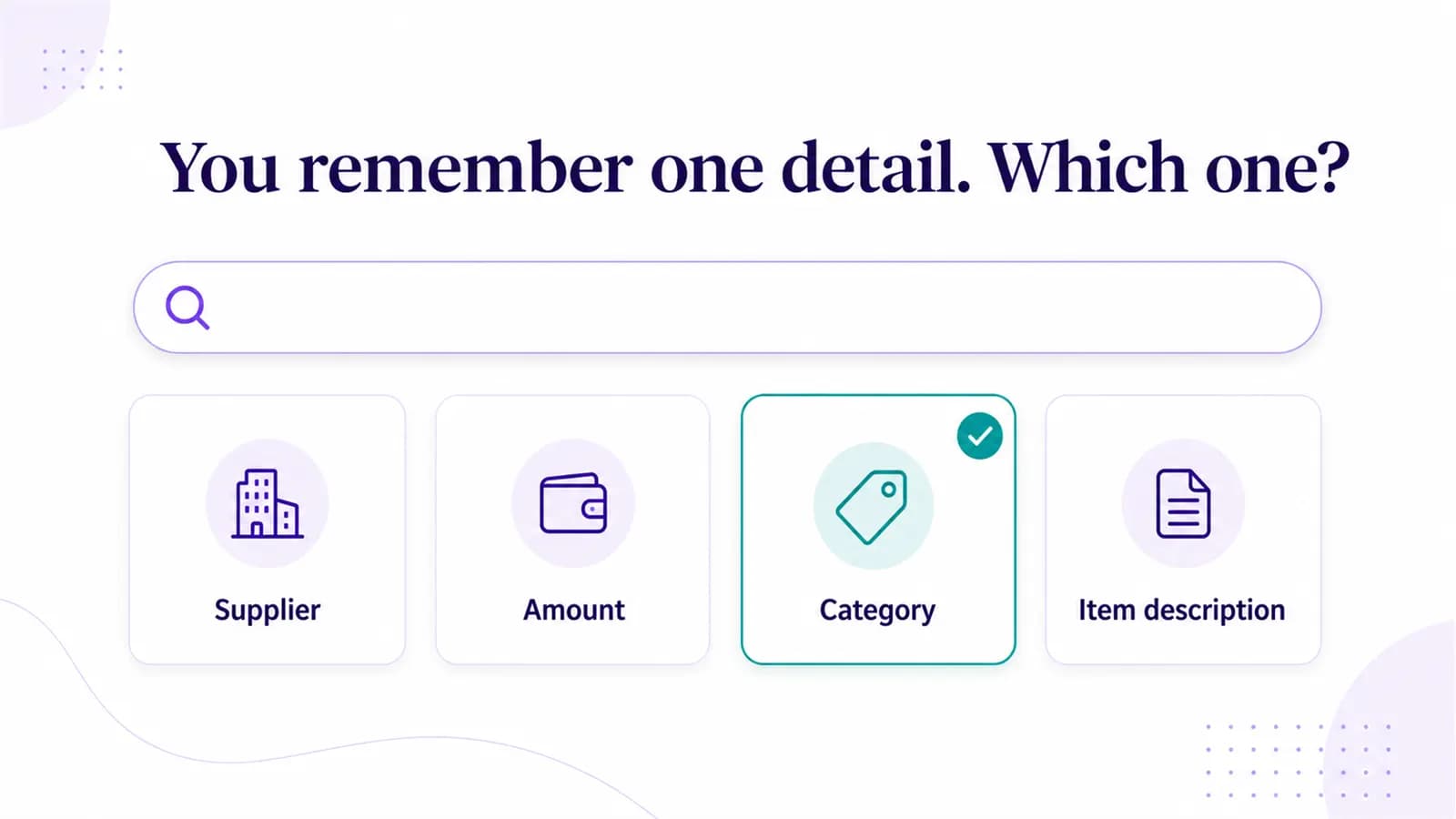
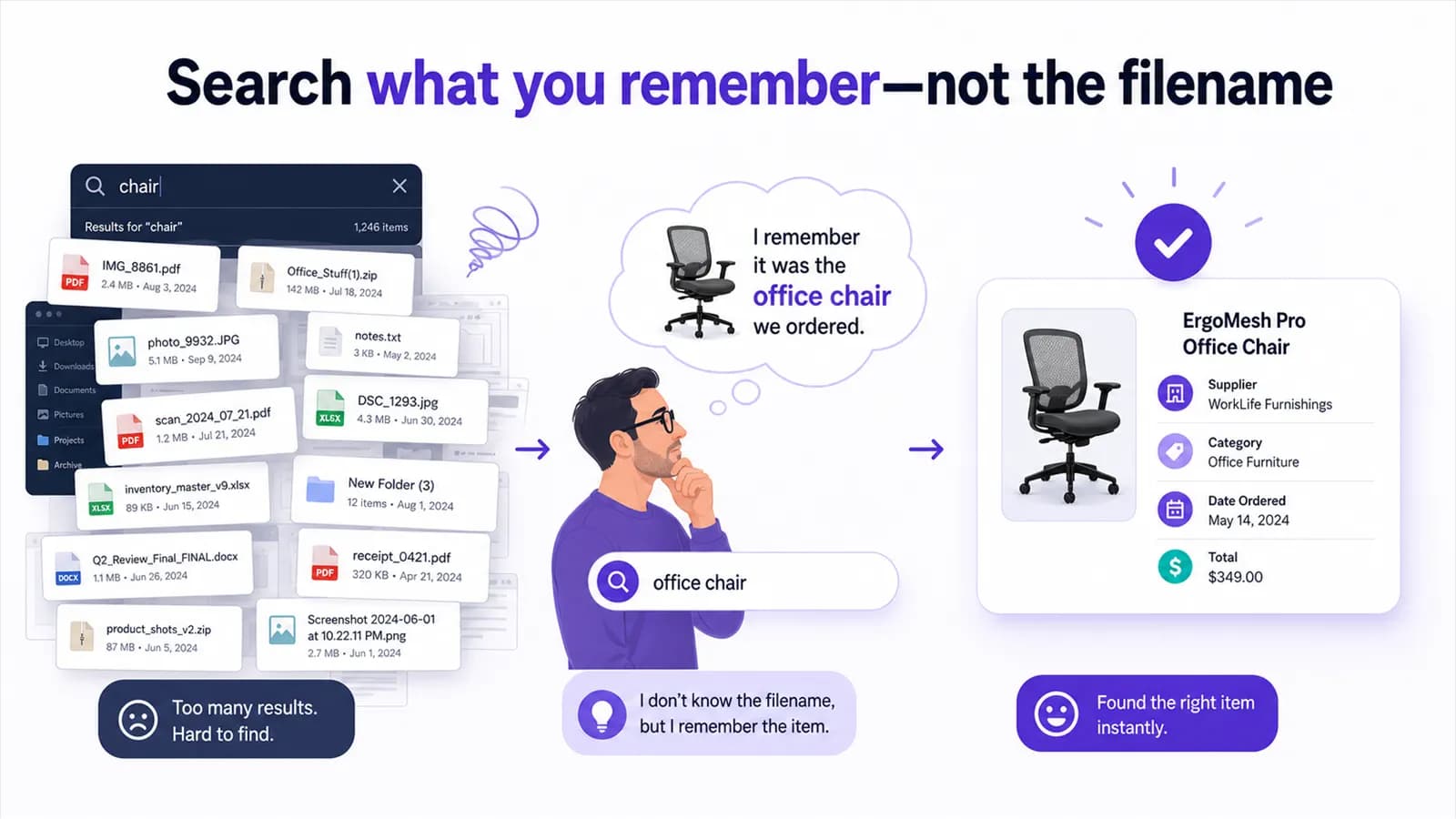
Use recognized line text such as pump, bearing or control board when the provider and filename are forgotten.
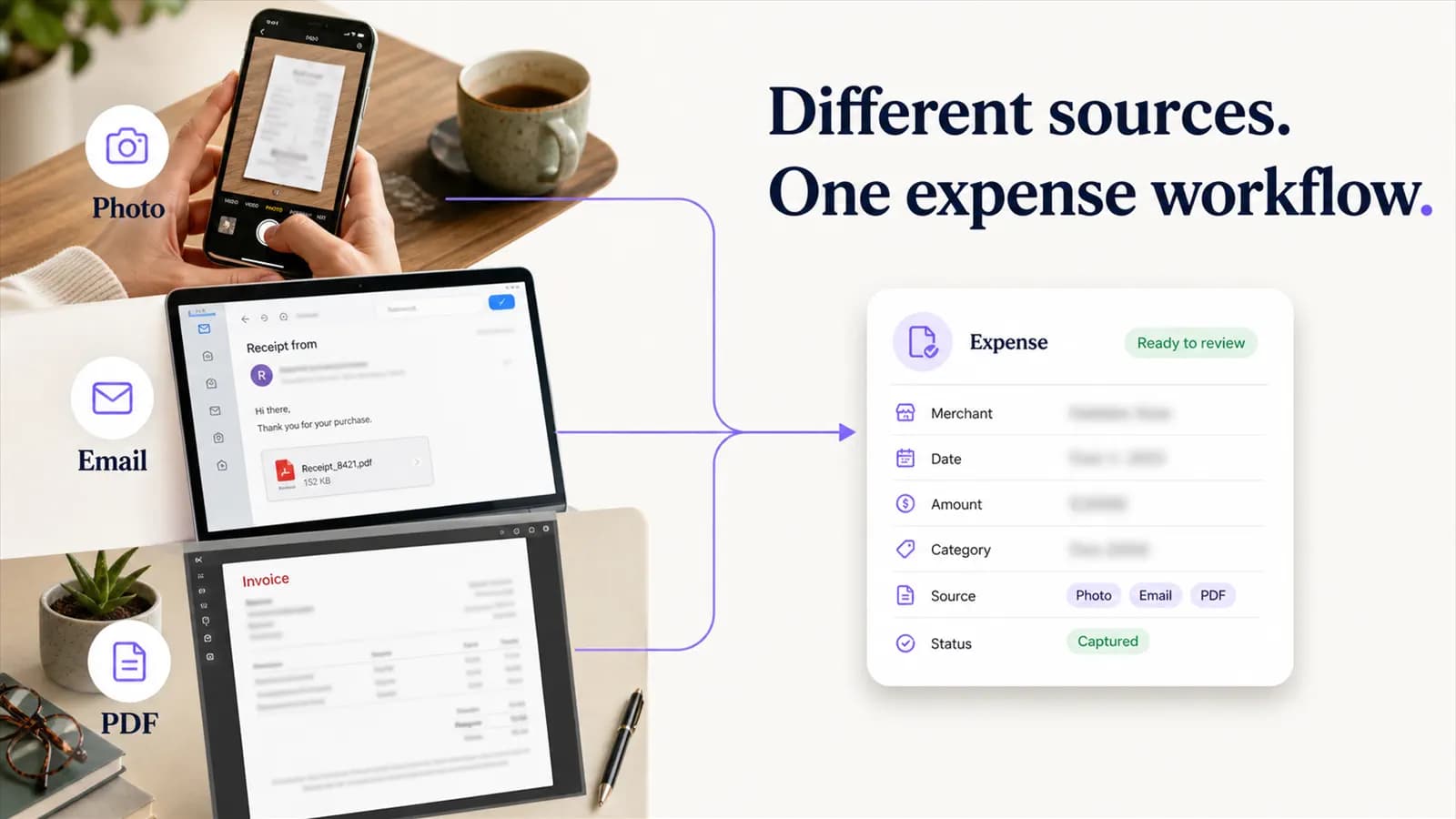
Create a monthly evidence trail for electricity, gas, water and internet bills without relying on email folders.
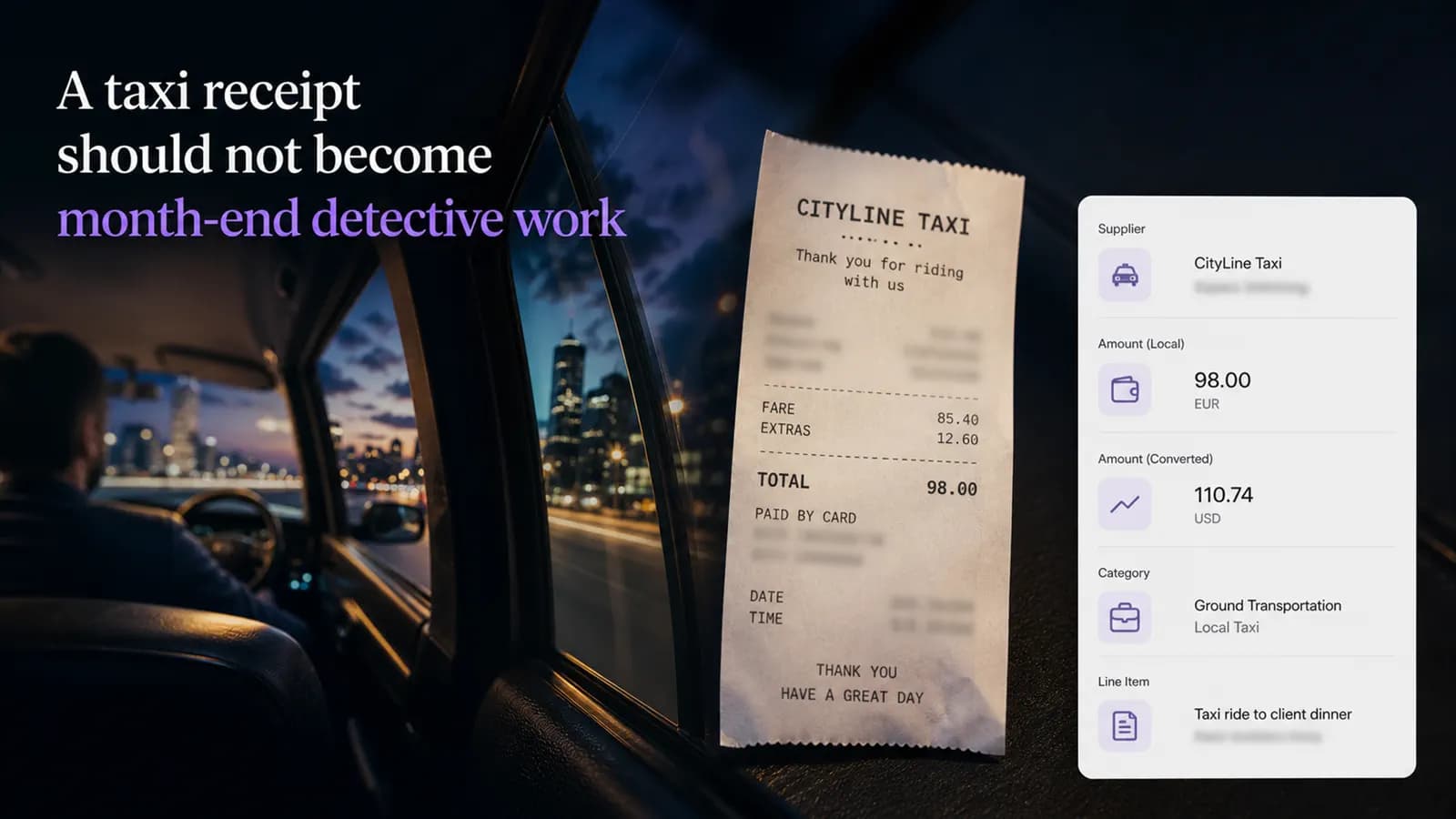
Build a transparent exception record from ride history, email and payment evidence when the paper receipt is gone.
Preserve original currency, payment evidence and conversion context instead of overwriting foreign totals.
Move eligible attachments from supplier email into review without using unread status as bookkeeping workflow.
Distinguish scheduled visits, repeated invoice numbers and forwarded copies across a service contract.
Use a small household category set that supports retrieval without turning every item into a bookkeeping exercise.
Keep the restaurant receipt, participants or purpose note, tax, tip and purchased items connected for review.
Create a transparent exception record with payment evidence, recovery attempts and an unresolved decision.
Compare identifiers, lines and source files before deciding whether a repeated invoice is a copy or correction.
Keep planned work, completed service and final charges distinct while explaining changes between them.
Distinguish order confirmations, final invoices, dispatch messages and refund records for the same purchase.
Separate registration, travel, meals and event-day purchases while keeping one conference context.
Group source invoices, usage notes and review questions without mixing household records into a vague folder.
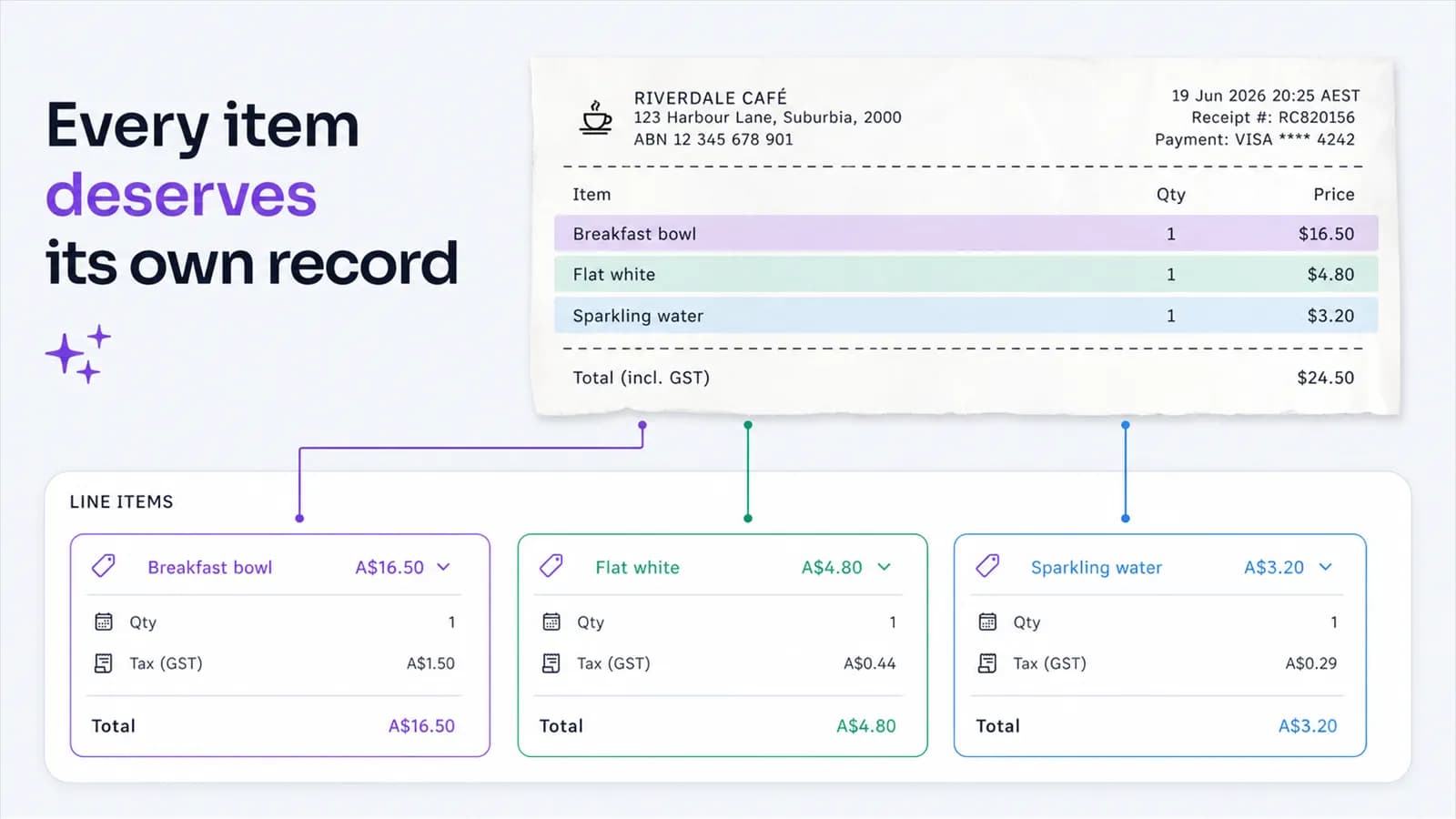
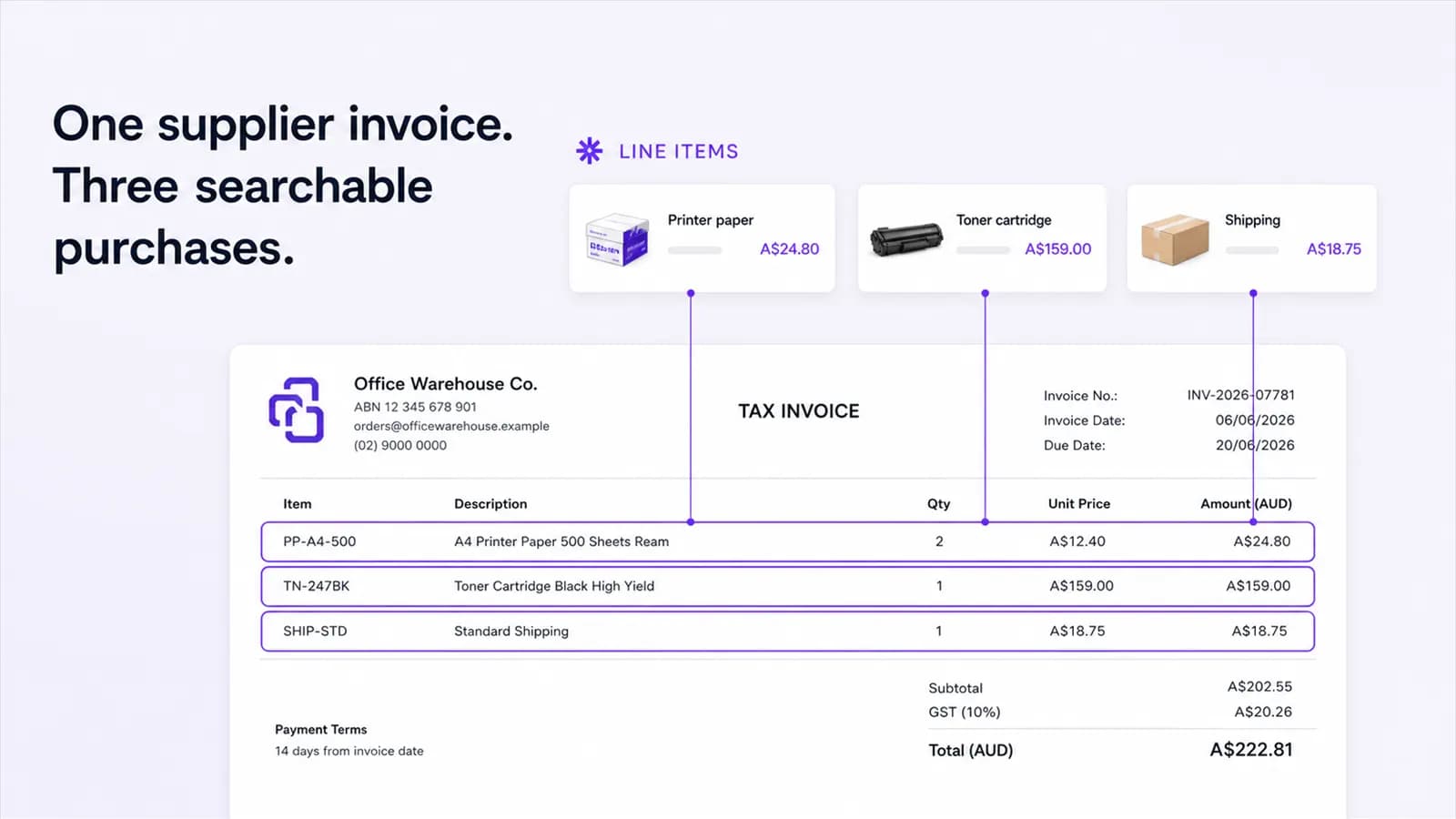
Preserve a mixed supplier invoice while identifying the materials or services relevant to one project.
Assemble the purchase invoice, product identity and fault-related service documents without oversharing unrelated records.
Search old receipts by product, merchant and date, then assemble only the evidence relevant to the claim.
Organize the rental agreement, fuel purchases, toll notices and final invoice without merging them into one opaque total.
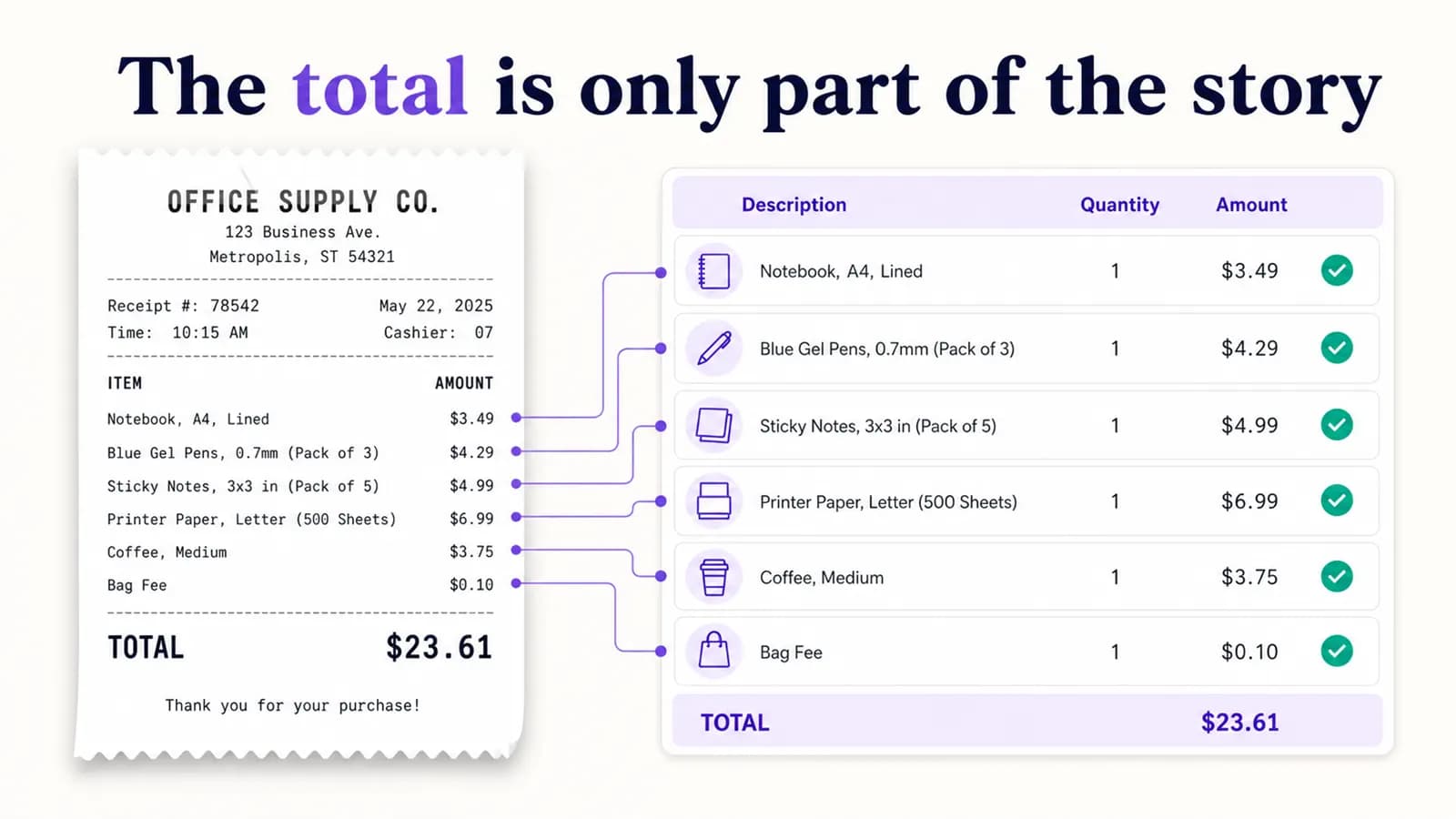
Preserve the full receipt, identify relevant lines and record the allocation rationale without changing the source.
Normalize supplier and item wording so repeated purchases can reveal price, quantity or fee changes.
Keep property, contractor, work order and final invoice context visible across recurring repairs.
Connect materials, contractor invoices and delivery charges to a renovation without losing individual suppliers.
Use a mobile capture checkpoint for small thermal parking receipts that are easy to lose after a trip.
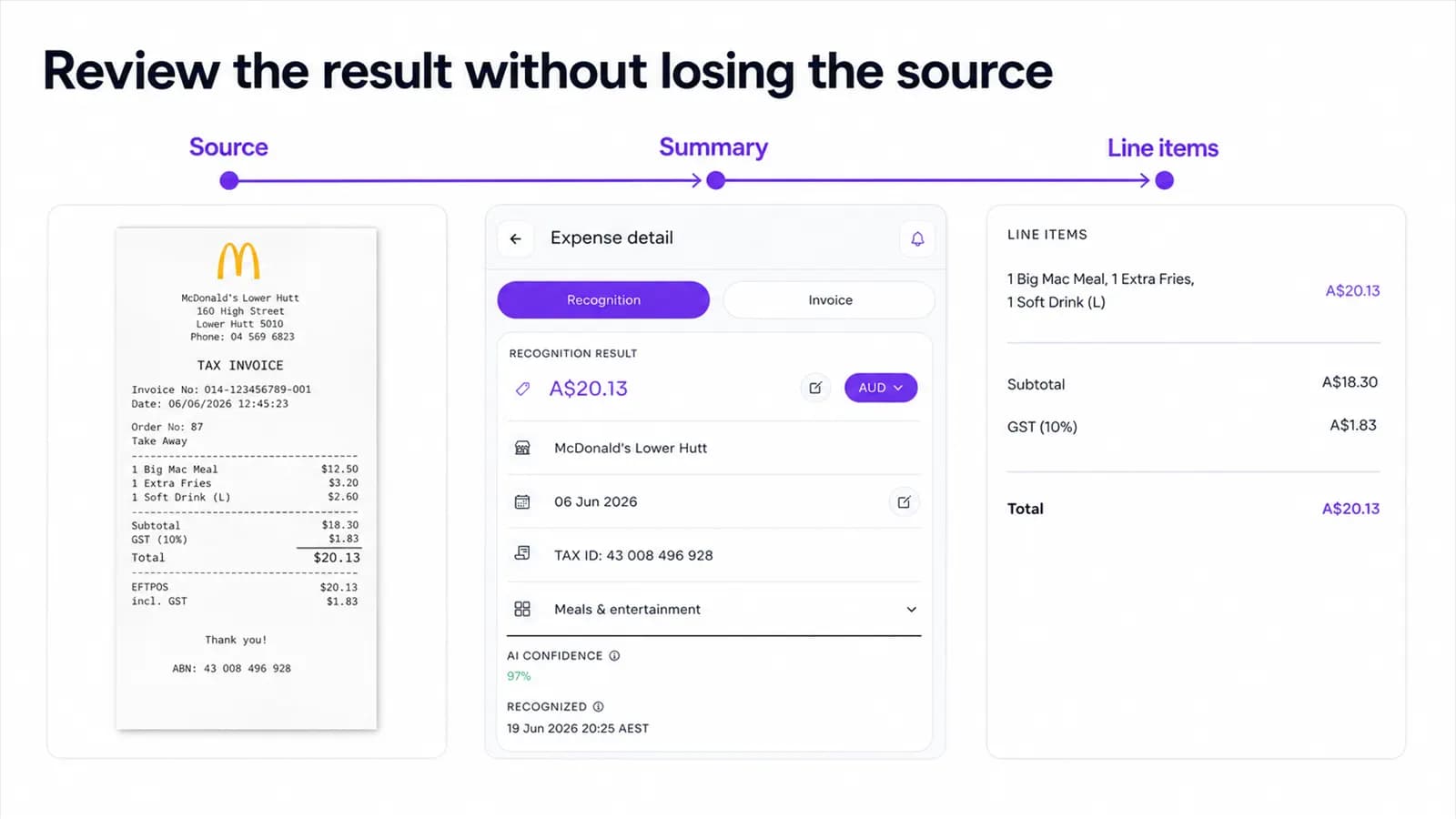
Preserve the source wording and verify extracted tax fields before records reach a bookkeeper or adviser.
Confirm page boundaries before recognition so every supplier invoice becomes its own reviewable record.
Connect service receipts by vehicle, odometer and repair type without merging separate visits.
Collect household receipts from several people while keeping purchaser context and duplicate checks visible.
Keep source currency, transaction date and converted card amount distinct across an international trip.
Turn receipt collection into a short weekly routine instead of a year-end reconstruction project.
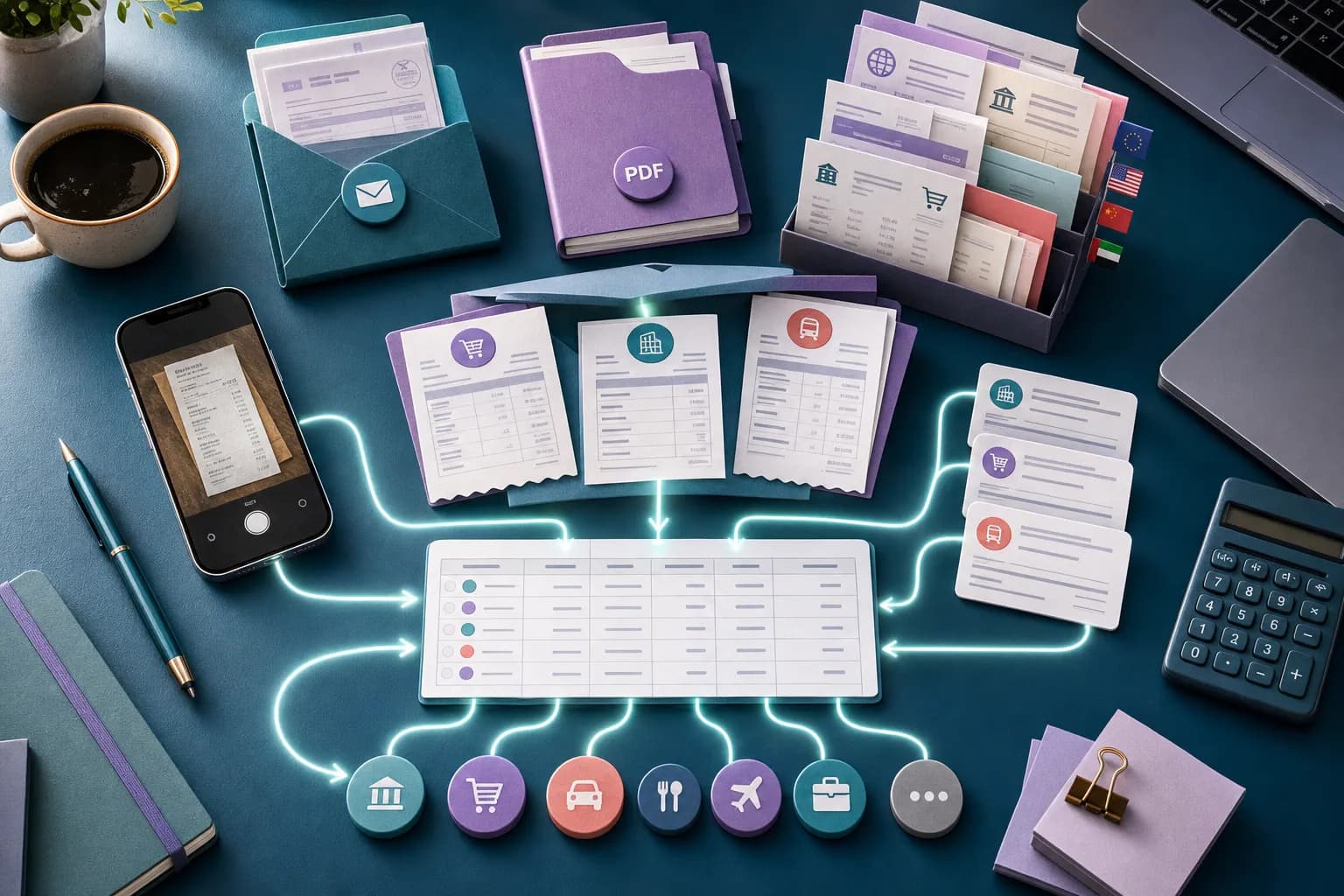
Create a mobile submission checkpoint that preserves job, purchaser and readable source context.
Review an HVAC service invoice at line level so the repair and its final cost remain explainable.
Keep purchase proof, product identity and warranty documents together before a repair is needed.
Review a hotel folio as a set of distinct charges instead of recording only the final balance.
Latest articles
Connect purchases to a client, job, event, or internal project without separating the record from its source document.
A Reviewable Workflow for Client Meal Receipts: a practical, source-first workflow for capturing, reviewing, finding and exporting expense documents with AI Expense.
AI Expense is designed around expense fields, evidence, review, and export rather than image storage alone.