 AI Expense
Organize Recurring Household Utility Invoices
Create a monthly evidence trail for electricity, gas, water and internet bills without relying on email folders.
Published by the AI Expense Editorial Team. AI Expense is developed and published by EmuInbox.
Practical answer: Create a monthly evidence trail for electricity, gas, water and internet bills without relying on email folders.
Utility invoices repeat, but each billing period is a distinct source document. Email labels can hide a missing month or revised bill because they show where a message sits, not whether its attachment was reviewed.
Record the billing period as well as the invoice date
Keep provider, account reference, invoice date, service period, due date and total distinguishable. A bill issued in April may cover March usage, and those dates answer different questions.
Use recurring patterns to reveal exceptions
Sort by provider and service period to find a missing PDF, unexpected price increase or duplicated attachment. A revised bill should remain linked to the earlier version rather than silently replacing its history.
- Keep automatic-payment evidence separate from the invoice.
- Review credits and estimated readings when shown.
- Avoid placing account numbers in public filenames.
Export only the period needed
Filter by provider and date range before sharing records for a household review, reimbursement or home-office calculation. Excluding unrelated services reduces unnecessary disclosure.
Utility archive checks
- Provider and service period are searchable.
- Missing months and revised bills are visible.
- Invoice and payment evidence are not confused.
- Exports include only the required period and service.
Questions people ask in this situation
Is the direct-debit line enough?
It proves a payment but usually lacks service period and bill detail. Retain the provider invoice where available.
Should revised bills overwrite old PDFs?
No. Keep both with a clear revision relationship so the change remains explainable.
Where AI Expense fits
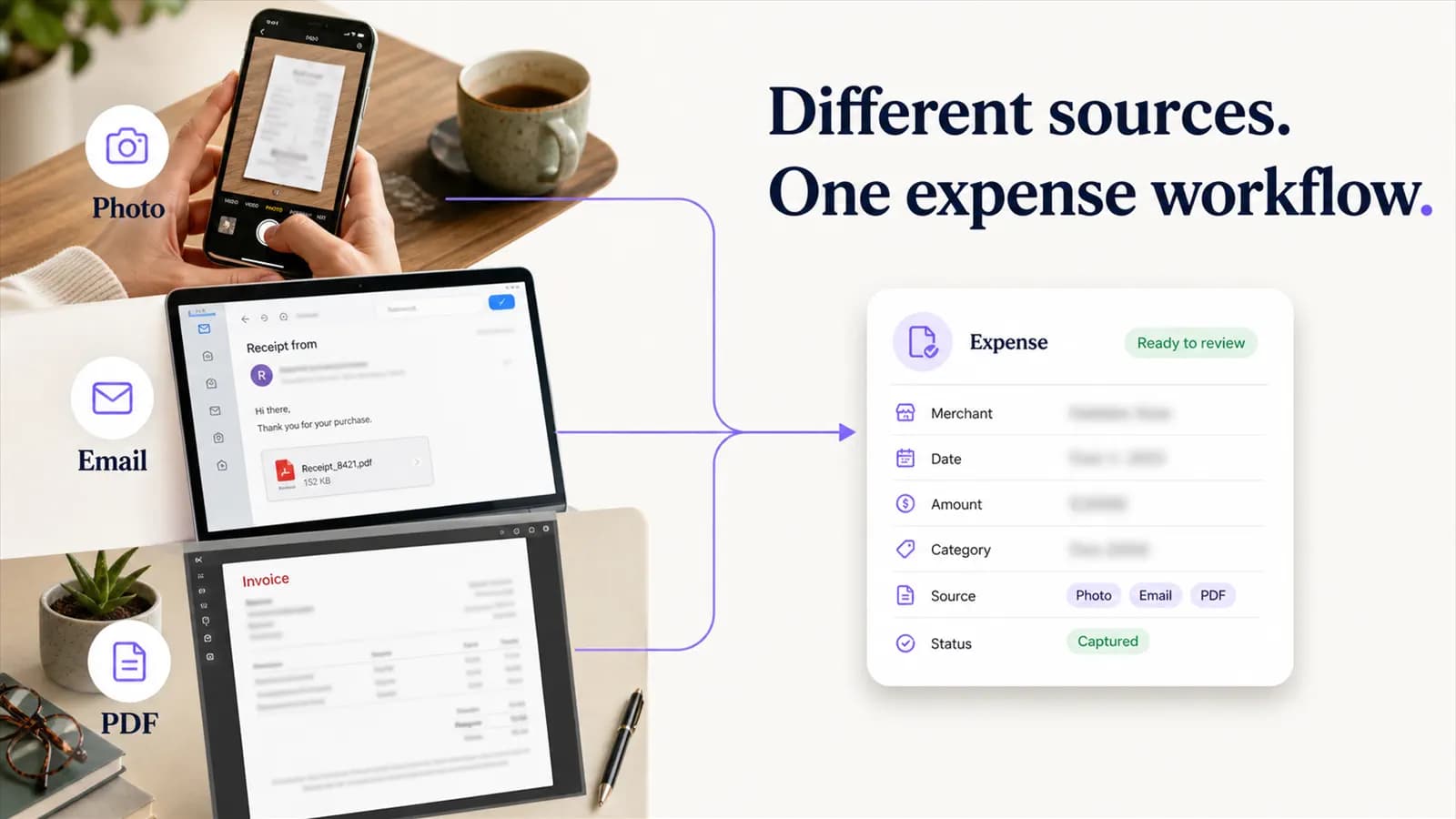
AI Expense can import supported invoice attachments, recognize dates and totals, and search recurring provider records. Filters help isolate the exact months needed for a later workflow.