 AI Expense
Find an Old Repair Invoice by Part or Service Description
Use recognized line text such as pump, bearing or control board when the provider and filename are forgotten.
Published by the AI Expense Editorial Team. AI Expense is developed and published by EmuInbox.
Practical answer: Use recognized line text such as pump, bearing or control board when the provider and filename are forgotten.
People often remember the failed component but not the contractor: “the pump replacement” or “the control-board repair.” Line-item search turns that memory into a useful retrieval path.
Search the vocabulary used on the service document
Try component names, equipment type, repair action, property or approximate date. Search variants because a technician may write “motor assembly” where the owner remembers “fan motor.”
Verify the result against the source invoice
Confirm provider, service date, equipment and line description. Similar components can appear across properties or vehicles, so the search result is a lead rather than proof.
- Check model or serial context where available.
- Compare warranty and repair dates.
- Keep unrelated search results out of the export.
Improve future retrieval after finding the record
Add a supported asset or property label and link later repairs. Do not replace the original contractor wording with a guessed description.
Repair invoice search verification
- Search terms come from a real remembered detail.
- Provider, asset and date match the intended repair.
- The original invoice confirms the line item.
- Future asset context is added without altering evidence.
Questions people ask in this situation
Can OCR search handwritten technician notes?
Recognition quality varies with handwriting and image quality. Always verify the source and use a review note when text is uncertain.
What if the part name is abbreviated?
Search the abbreviation and surrounding equipment terms, then inspect candidate source documents.
Where AI Expense fits
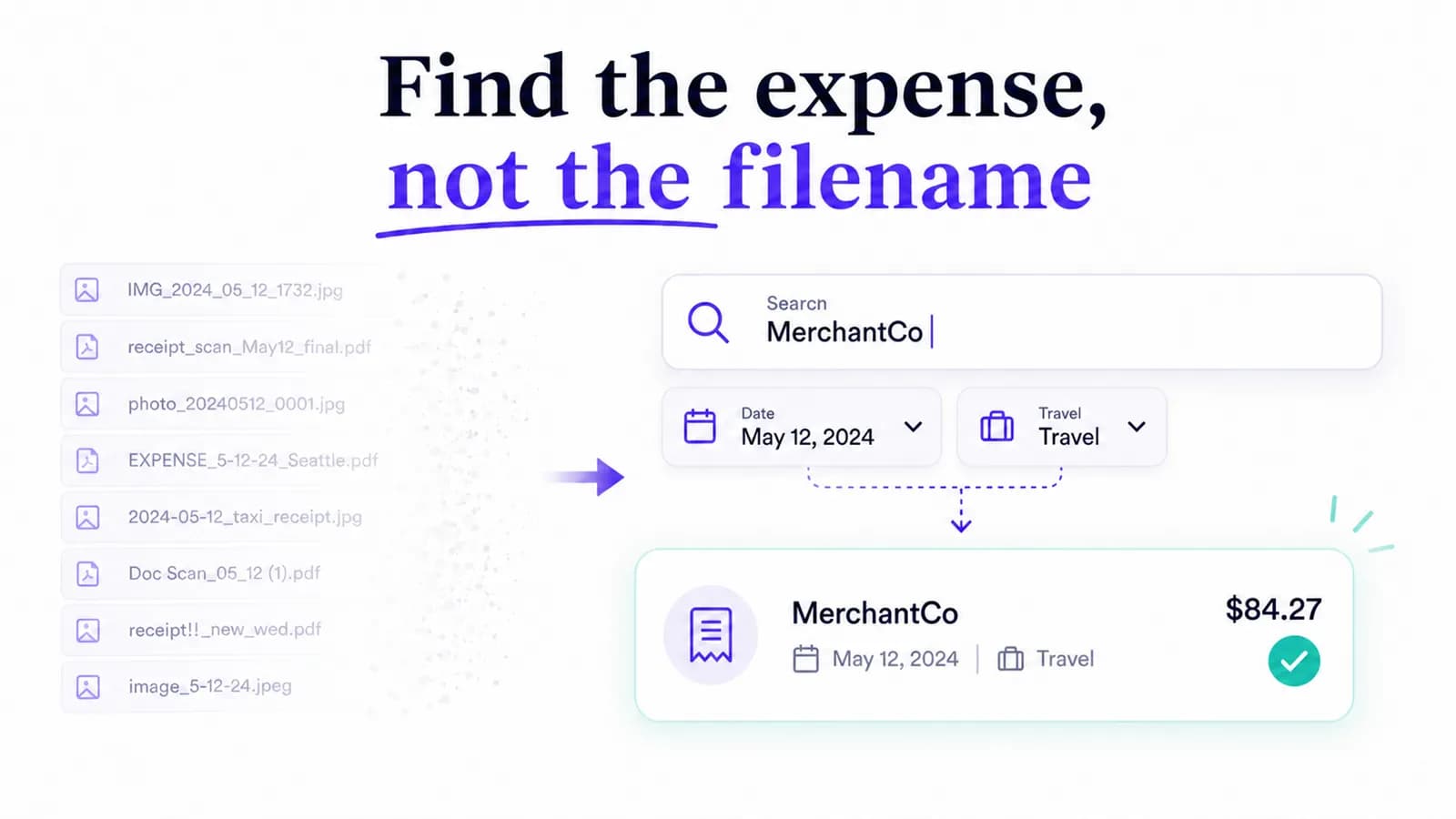
AI Expense full-text search can use recognized invoice and line-item wording, helping users recover maintenance evidence without remembering a filename.