 AI Expense
Create a Shared Family Receipt Inbox Without Duplicates
Collect household receipts from several people while keeping purchaser context and duplicate checks visible.
Published by the AI Expense Editorial Team. AI Expense is developed and published by EmuInbox.
Practical answer: Collect household receipts from several people while keeping purchaser context and duplicate checks visible.
Family purchases arrive through paper receipts, online invoices and forwarded emails. A shared intake point helps only when each item keeps enough context to distinguish the same receipt from two genuinely similar purchases.
Agree on what belongs in the shared queue
Choose the purchases worth retaining, such as appliances, repairs, medical claims or return-sensitive items. Everyday low-value receipts can follow a lighter rule so the archive does not become another unsorted inbox.
Compare duplicates with more than the total
Check merchant, date, amount, item description and source image. Two supermarket purchases can share a total, while the same online order may arrive as an email PDF and a downloaded copy.
- Retain who submitted the document when useful.
- Select one primary source for exact duplicates.
- Keep corrected invoices distinguishable from duplicate copies.
Clear the queue with a household purpose
A receipt should leave intake only after it has a useful label, searchable fields and a reason for retention. This makes future warranty, return and reimbursement searches far quicker.
Shared household intake rules
- The household has defined which receipts to retain.
- Submitter and purchaser context are not confused.
- Duplicates are compared using source and item details.
- Completed records can be found by a practical search term.
Questions people ask in this situation
Should everyone use the same categories?
A small shared category set improves retrieval. Add personal notes only where they provide context that categories cannot.
Can an emailed invoice and a paper receipt both be kept?
Yes when they provide different evidence. If they are exact copies, designate one primary source rather than creating two expenses.
Where AI Expense fits
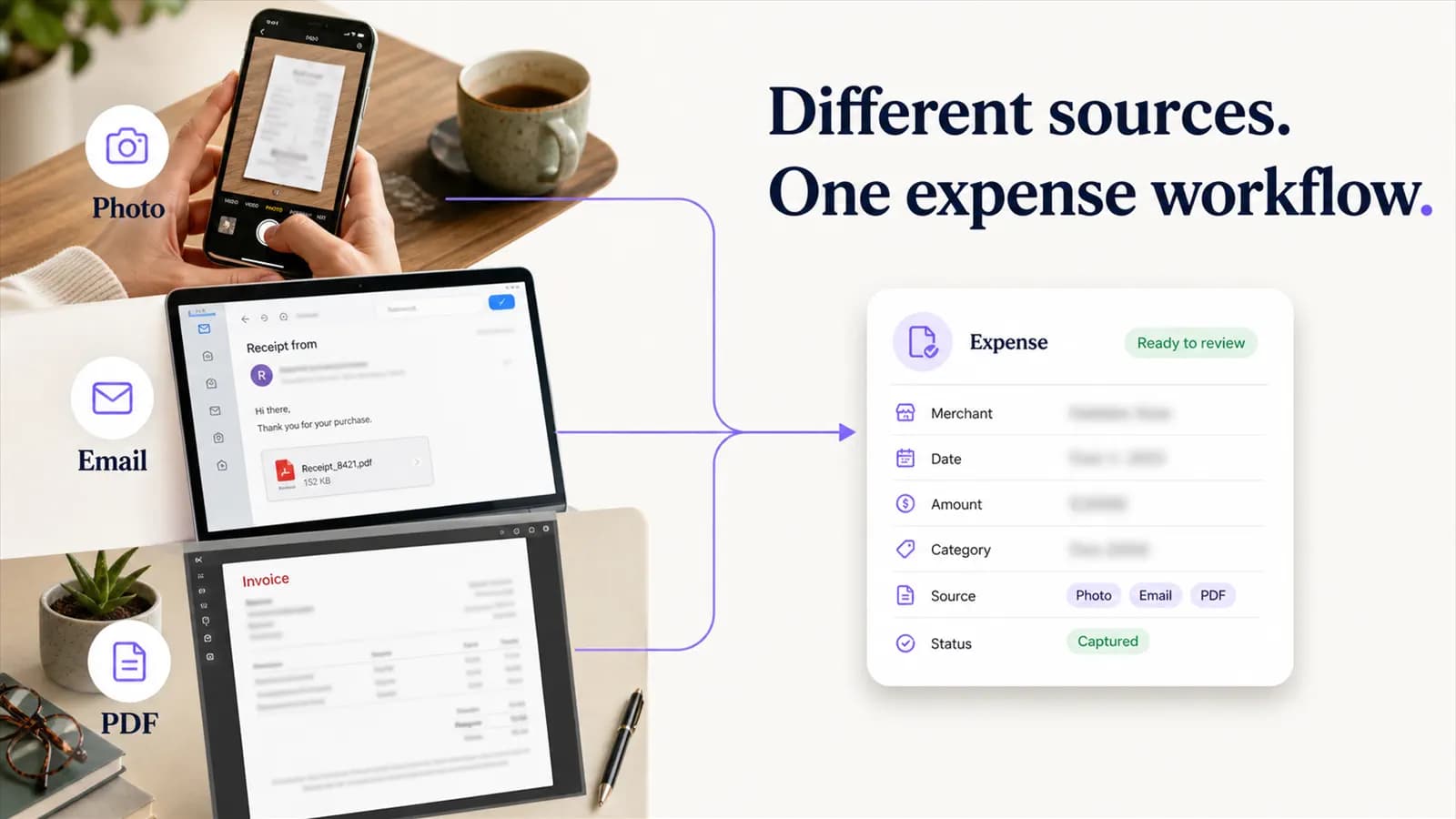
AI Expense brings supported photos, PDFs and email invoices into one review path. Searchable details and visible sources make duplicate decisions easier to explain across a household.